Web UI
dfstore ships with an optional browser-based interface for exploring and managing your store.
Installation
The web UI requires Flask:
Starting the Server
Opens at http://127.0.0.1:7860 by default.
Tabs
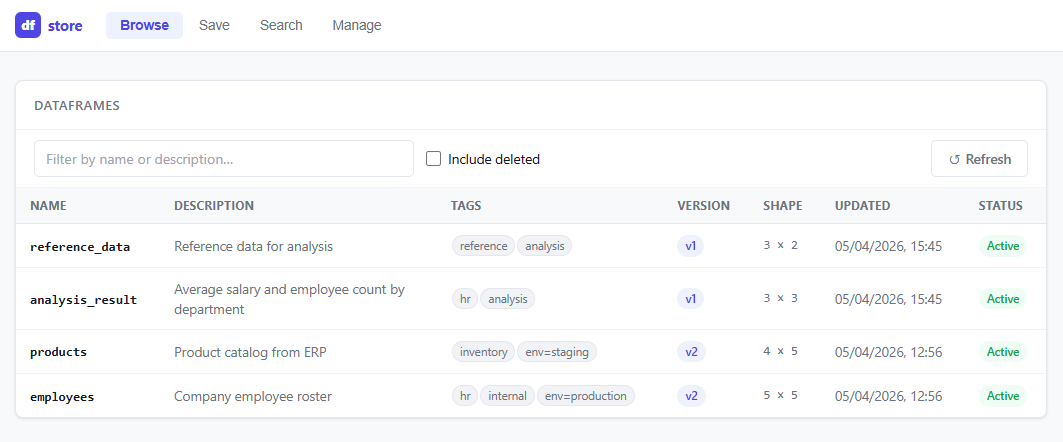
Browse
View all stored DataFrames in a sortable table. Click any row to see:
- Full metadata (description, tags, timestamps)
- Version history with diff information
- A live data preview of the first few rows
Save
Upload a CSV or Parquet file directly from the browser. Fill in the name, description, tags, and optional version notes before saving.
Search
Filter DataFrames by:
- Description substring
- Tags
- Column names
Manage
Soft-delete or hard-delete entries, and restore previously soft-deleted ones.
Screenshot